How to Submit Your Income Tax Return Online
A screen-by-screen guide to filing your income tax return on the NBR's e-Return portal, etaxnbr.gov.bd: registering, entering income, rebate, assets and liabilities, paying by bank, card or bKash, and downloading your acknowledgement and tax certificate.

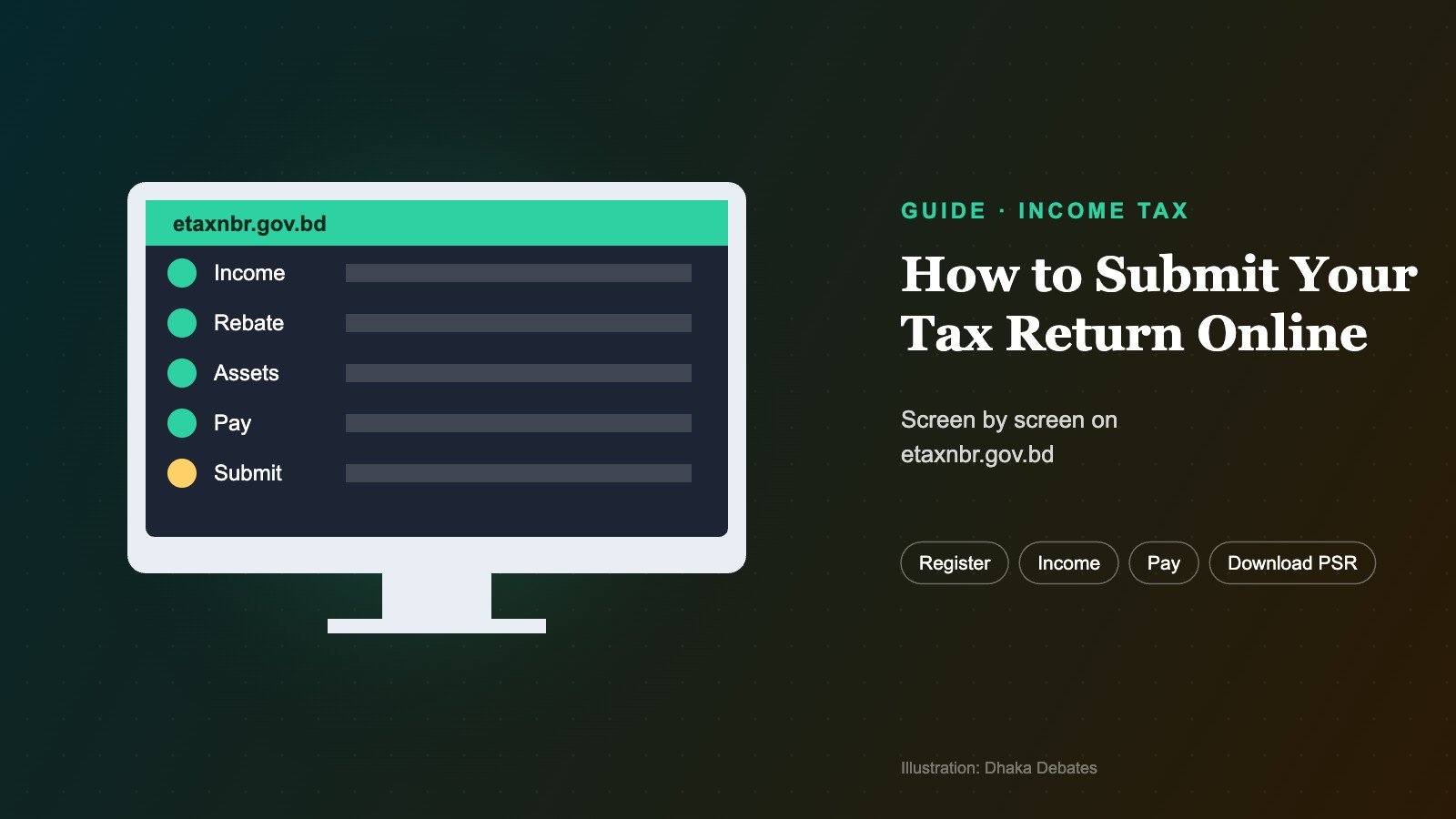
This is the practical, step-by-step companion to our guide how to file your income tax return in Bangladesh, which explains who must file and the deadlines. To check your tax figure first, see how to calculate income tax.
The short answer: Go to etaxnbr.gov.bd, register once using your 12-digit TIN and a mobile number registered in your own NID, verify with an OTP and set a password. Then start the return for the tax year, enter your income by source, your investment rebate, tax already deducted, and your assets and liabilities. The system calculates your tax. Pay any balance online through bank transfer, card, or mobile wallets such as bKash, Nagad or Rocket, then submit and instantly download your acknowledgement (which serves as proof of return submission, or PSR) and your income tax certificate. The NBR opened e-Return for tax year 2026-27 on 22 July 2026; filing by 30 September earns a 5% rebate, and filing after 31 December adds extra tax.
Before you start: a checklist
- Your 12-digit TIN (no TIN yet? See how to get an e-TIN certificate)
- A mobile phone with a SIM registered in your own NID
- Salary certificate or business accounts for 1 July 2025 to 30 June 2026
- Bank statements, and certificates of tax deducted at source on interest, savings certificates and salary
- Proof of rebate investments (DPS, insurance premium, provident fund, Sanchayapatra, shares, mutual funds)
- Values of your assets and loans as of 30 June 2026
- Last year’s return, for reference and opening balances
- A payment method: bank account, card or mobile wallet
Step 1: Register on etaxnbr.gov.bd
Open etaxnbr.gov.bd (type it yourself). Choose to register as an individual taxpayer, enter your TIN and mobile number, and confirm with the OTP sent to your phone. Set a password. You only register once; next year you simply log in.
If registration fails, the most common reason is that the mobile number is not registered in your NID. Fix the SIM registration or use a number that is.
Step 2: Start the return
Log in, choose the return option for the current tax year (2026-27, covering income from July 2025 to June 2026), and confirm your personal details. The system usually offers a single-page or simplified form for simple cases and a detailed form for others. Choose the one that fits your income sources.
Step 3: Enter your income
| Income head | What to enter |
|---|---|
| Salary | Basic, allowances, bonuses, benefits; the system applies the salary exemption |
| Rent | Rent received and allowable expenses |
| Business or profession | Net profit from your accounts |
| Financial assets | Interest on deposits and savings certificates, dividends, with tax deducted |
| Capital gains | Gains from selling property or shares |
| Other sources | Freelancing, agriculture, and any other income |
Step 4: Enter investments for rebate
List your eligible investments made during the income year. The system calculates the rebate, generally the lowest of 15% of eligible investment, 3% of taxable income, or ৳10 lakh. Keep the documents; you may be asked for them later.
Step 5: Enter tax already paid
Enter tax deducted at source by your employer, bank and others, and any advance tax, such as tax paid with vehicle registration. Some TDS may appear automatically from NBR’s records; check that the figures match your certificates.
Step 6: Enter assets, liabilities and expenses
Fill in your assets (land, flats, bank balances, investments, vehicles, gold, cash) and liabilities (loans) as of 30 June 2026, and your family’s living expenses for the year. Your net wealth at the end of the year should be explainable by last year’s wealth plus this year’s income minus expenses. If it does not reconcile, the system or the tax office may flag it.
Step 7: Review the tax calculation
The system shows your gross tax, rebate, minimum tax check, tax already paid and the balance. If you file between 1 July and 30 September, it should apply the 5% early-filing rebate (up to ৳25,000); from 1 January it adds the extra tax for late filing. Compare with your own calculation before going further.
Step 8: Pay any tax due
If tax is payable, pay it through the portal. The NBR says payment can be made by bank transfer, debit or credit card, bKash, Rocket, Nagad and other mobile financial services, The Daily Asian Age reported. If you paid by A-challan at a bank instead, enter the challan number exactly as printed.
Step 9: Submit and download
Confirm the declaration and submit. You can then download, instantly:
- the acknowledgement receipt, which serves as your proof of return submission (PSR), and
- the income tax certificate, showing your tax for the year.
Save both as PDFs and print copies. Banks, licensing offices and others may ask for them.
Common problems and fixes
| Problem | Fix |
|---|---|
| OTP not arriving | Use a SIM registered in your own NID; check network; retry later |
| “TIN not found” or mismatch | Check your 12-digit TIN on the e-TIN portal; old 10-digit TINs need re-registration |
| TDS not showing or wrong | Enter it manually from your certificates; ask the deductor to correct their filing |
| Payment taken but not reflected | Keep the transaction ID; wait and refresh; contact the call centre |
| Assets do not reconcile | Check last year’s closing figures, include all income (including exempt income), and record gifts or loans |
| Portal slow | Avoid peak times and the last days of a filing window |
The NBR call centre, on 09643717171, helps during office hours on working days.
Who cannot or need not file online?
Paper filing is allowed for senior citizens aged 65 or over, certified persons with disabilities, Bangladeshis living abroad, legal representatives of deceased taxpayers, foreign nationals working in Bangladesh, and others who get permission from their tax office after technical problems. Everyone else is expected to file online.
Can you correct an online return?
Yes, a revised return can generally be filed before assessment. If you spot a mistake after submitting, correct it as soon as possible and pay any extra tax.
Frequently asked questions
Is e-Return free?
Yes. You only pay the tax you owe; there is no filing fee.
Can I file from my phone?
The site works in a mobile browser, but a computer is easier for entering detailed figures.
Can I pay tax with bKash?
Yes. The portal accepts mobile financial services including bKash, Nagad and Rocket, as well as bank transfers and cards.
What is the acknowledgement receipt for?
It is your proof of return submission (PSR), needed for many services such as some loans, trade licences and property registration.
Key words explained
| Term | What it means |
|---|---|
| e-Return | The NBR’s online income tax filing system |
| etaxnbr.gov.bd | The official e-Return website |
| OTP | One-time password sent by SMS |
| Acknowledgement / PSR | Proof that your return was submitted |
| Income tax certificate | A certificate showing tax for the year |
| A-challan | Automated challan for paying tax through a bank |
| Revised return | A corrected return filed after the original |
How we reported this
We used The Daily Asian Age’s report on the NBR’s e-Return launch for tax year 2026-27, The Daily Star’s August 2026 report on the early-filing rebate, and published step-by-step guidance from BD Advocacy and other tax practitioners. Portal screens can change from year to year; follow the instructions on etaxnbr.gov.bd. This is general information, not tax advice.
Sources
- NBR launches e-Return service for tax year 2026-2027 (The Daily Asian Age) · dailyasianage.com
- Early tax filers to get up to Tk 25,000 rebate (The Daily Star) · thedailystar.net
- Income tax return filing 2026-27 (BD Advocacy) · bdadvocacy.com
- NBR urges taxpayers to submit e-returns (Prothom Alo) · en.prothomalo.com